Winshark Account Verification and KYC
 Available in US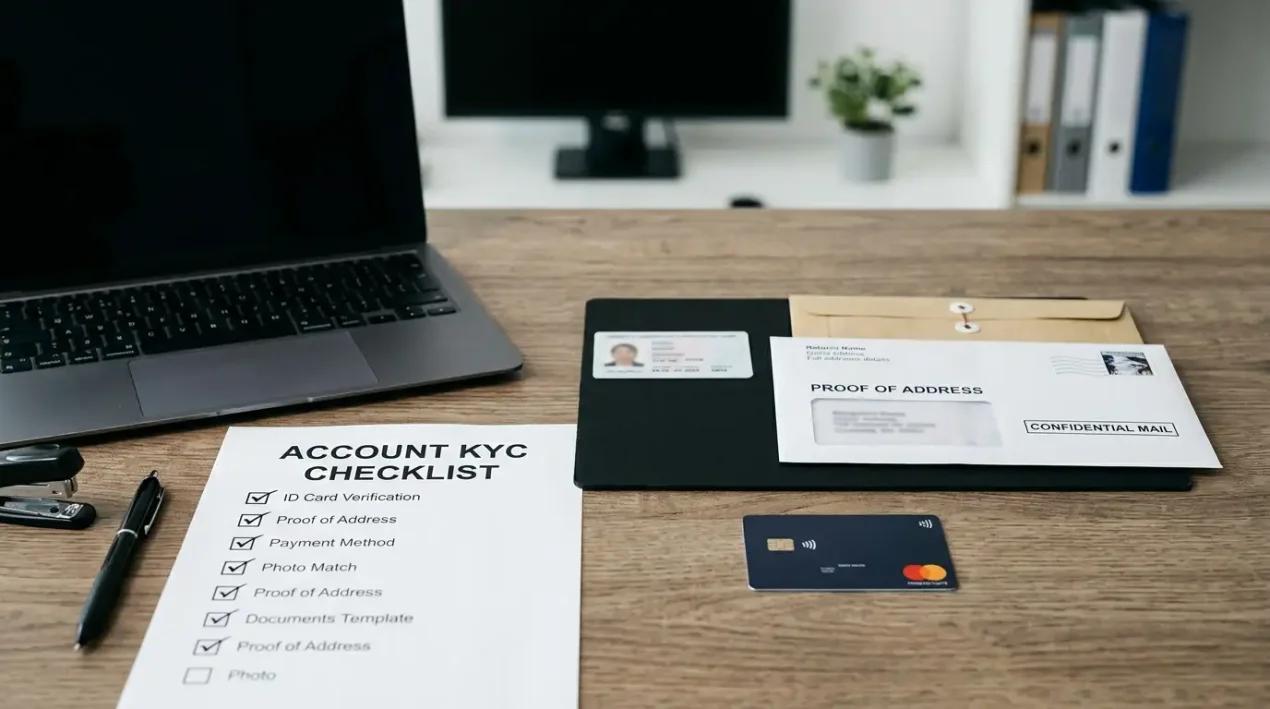
Contents
Winshark uses identity verification during withdrawals. It can ask for proof of identity, address and payment ownership, while support is available through 24/7 live chat and [email protected]. A cashout can pause while documents are checked, so keep readable files, matching account details and payment records ready before a withdrawal becomes urgent. The account also includes self-exclusion and reality checks.
How long verification may take
Winshark states that KYC can take up to three working days. This timeframe is not a guarantee of verification completion or payout timing. Document quality, matching account details and any additional checks can change how long the process takes.
Keep verification time separate from withdrawal time. The casino can receive a withdrawal request, ask for documents, review them and then continue the payment process as separate stages. Treating all of these steps as one “cashout time” makes it harder to see where a delay occurred.
- Identity document: a clear image of the requested identity document, with the required details readable.
- Proof of address: a document that matches the account holder’s name and address details requested by the casino.
- Payment-method proof: proof tied to the funding method when Winshark asks for it.
- Account consistency: the name and personal details entered on the account should match the submitted documents.
File quality matters. Cropped edges, glare, unreadable text or mismatched names can trigger another document request even when the document itself is valid. Check each file before uploading it to reduce avoidable back-and-forth.
Send only the documents requested. If support asks for one identity document and one payment proof, a large bundle of unrelated files can make the request harder to process. Match each file to the request and keep a copy of what was sent.
Self-exclusion and reality checks
Winshark provides self-exclusion and reality checks. These tools address different moments in play. A reality check interrupts the flow of a session with a time-oriented reminder, while self-exclusion is a stronger account-level step intended to stop access for a chosen period or under the operator’s exclusion process.
Reality checks work best when they lead to a decision rather than becoming another notification to dismiss. When the reminder appears, the relevant questions are concrete: how long has the session lasted, how much has been staked, and does continuing still fit the original entertainment budget? The check is a prompt to reassess the session, not a prediction about the next result.
Self-exclusion serves a different need. If gambling is no longer staying within planned limits, an account control that blocks access creates friction between the impulse to continue and the ability to place another bet. For immediate or ongoing gambling harm, Gambling Help Online provides free support across Australia on 1800 858 858.
A reality check does not change withdrawal rules, and verification does not replace a responsible-gambling control. Use documents for identity checks, support for account issues, and stronger play controls when gambling is becoming difficult to manage.
Support channels when verification stalls
Winshark provides 24/7 live chat and [email protected]. Use live chat to clarify a document request or check whether a file reached the account. Use email when you need to send attachments or keep a written record.
A structured support message is more effective than a long narrative. Include the account identifier requested by support, the withdrawal or verification stage, what was submitted, when it was submitted and the exact question that needs an answer. Avoid sending passwords or unnecessary full financial credentials in a support message.
- Check the account message or email for the exact document request.
- Match each requested item to one clear file.
- Use live chat for a quick clarification if the request is ambiguous.
- Use email for attachments or when you need a written record.
- Record the date and the support response so repeated requests can be compared accurately.
If the issue concerns the withdrawal route rather than the document itself, the withdrawal page covers cashout methods, route changes, processing times and the point where verification can delay release of funds. The payments page shows the main fiat and crypto routes from deposit to cashout.
Escalation should remain specific. “My withdrawal is delayed” gives support little to work with; “the identity document was submitted on this date and the account still shows a verification request” identifies the stage. Likewise, a payment-method proof request should be answered with documents for that method, not unrelated bank or wallet material.
If an issue spans several conversations, save the support reference, copies of requested documents and any stated deadline or next step. This makes it clear whether the remaining issue is identity, address, payment ownership or the withdrawal route.
Account terms that can affect a balance
The account terms include clauses that may allow account closure or fund seizure for suspected rule breaches, together with a 30-day KYC deadline tied to forfeiture. These provisions should be read in their exact current wording before acting on a document request; a verification delay by itself does not establish that any particular account outcome will follow.
Treat a document request as an account deadline, not as routine inbox noise. Read the message carefully, keep a copy, send the requested documents and ask support to clarify any deadline that is not clear. If a balance is affected, keep the relevant account messages and transaction records together rather than relying on memory.
If a clause is unclear, ask specific questions. Which clause is being applied? What specific document or account action is required? What deadline applies to that request? What happens after the requested information is supplied? Those questions focus the exchange on the operator’s stated process without assuming an outcome in advance.
For questions about the legal status of the service, use the licence page. Account support, KYC and balance terms are separate issues and should not be mixed into the verification workflow.
Where money is at stake, keep copies of documents in a secure location and redact information only when the operator explicitly permits it. Over-redaction can make a document unusable for the requested check, while unnecessary exposure of full card or financial credentials creates a separate security risk. Follow the exact document instructions shown in the account or supplied by support.
What the verification flow asks for
Winshark can request three main types of proof: identity, address and payment method. These checks confirm who controls the account, whether the address matches the account details and whether the funding method belongs to or is authorised for the account holder.
| Verification area | What it checks | Preparation step |
|---|---|---|
| Identity | Account-holder identity | Use a clear, complete image of the requested identity document. |
| Address | Address details linked to the account holder | Choose a requested document whose name and address match the account details. |
| Payment method | Connection between the account holder and the funding route | Prepare the proof requested for the specific card, wallet, bank or crypto-related payment path. |
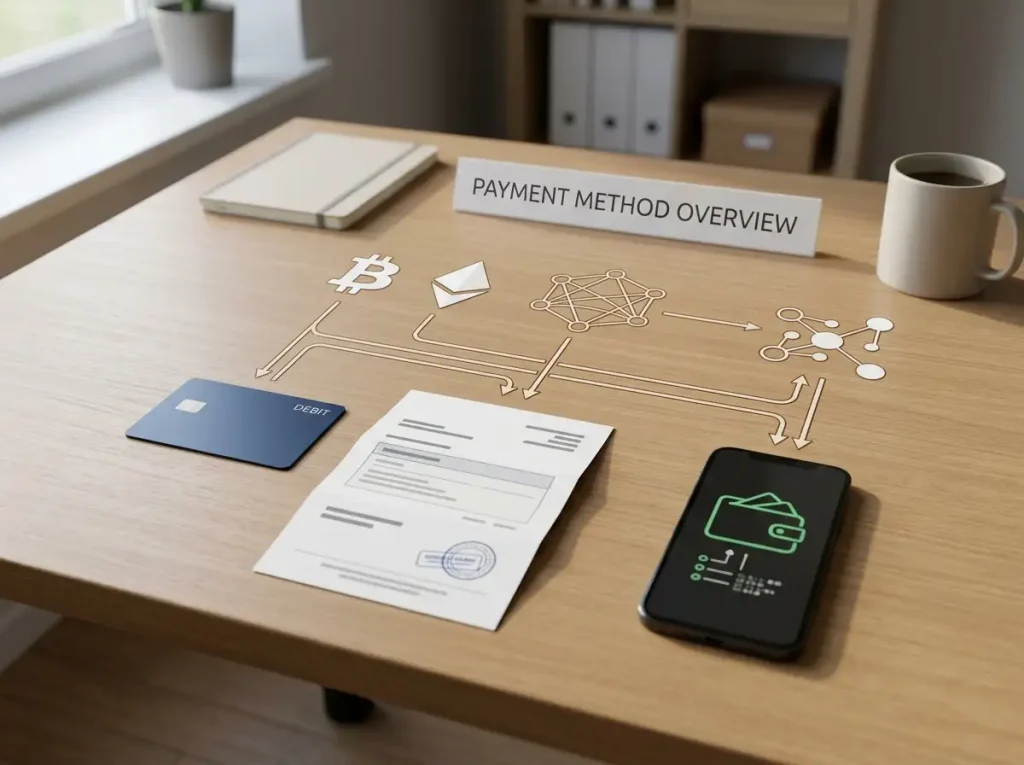
Payment-method checks differ between fiat and crypto. Cards and bank transfers can require account-holder and transaction details; an e-wallet can require proof that the wallet belongs to the player; a crypto transfer can require transaction details and the destination requested by support. Follow the exact request shown in the account or sent by support.
A simple document workflow keeps the process controlled:
- Create a folder for the current verification request rather than mixing old and new files.
- Name files by their purpose, such as identity, address or payment proof, without putting sensitive document numbers in the filename.
- Check that every image is readable at normal zoom before uploading it.
- Keep the original support request alongside the submitted files so the response can be reconstructed later.
- After submission, note the date and wait for a specific response before sending duplicate material.
Prepare verification documents before a cashout becomes time-sensitive. Matching details, readable files and a clear support trail do not guarantee a particular processing time, but they reduce delays caused by missing or inconsistent documents.
Questions about Winshark account verification
What documents can Winshark ask for?
Winshark’s verification guidance names identity, address and payment-method proof as parts of the withdrawal-related KYC flow.
How can I contact Winshark support about verification?
Winshark provides 24/7 live chat and [email protected]. Use live chat to clarify a request and email for attachments or a written record.
What player-control tools are available?
Self-exclusion and reality checks are available as player-control tools.
Why can payment-method proof matter at cashout?
Payment-method proof can connect the account holder to the funding route. The exact document depends on what Winshark requests for the method involved.
Verification readiness keeps account checks easier to manage
Withdrawals can involve identity, address and payment-method checks, with support available through 24/7 live chat and email. Keep account details consistent, submit readable documents, record deadlines and support replies, and use player controls when a session no longer stays within planned limits. These steps do not guarantee faster processing, but they can prevent avoidable verification delays.
This material was created by the Winshark Notes team.
Related posts

Winshark Withdrawals: Methods, Limits and Timing
Winshark Payment Methods and Withdrawals